 Cued
Cued
Do people know when you record a Zoom, Meet or Teams call?
By Harshit Maurya, maker of Cued · Updated 16 October 2026
If you use the call app's own Record button, generally yes: Google Meet and Microsoft Teams notify everyone when a recording starts, and Zoom shows a recording consent notice when its disclaimer is on. If you record with a separate app on your own computer, such as a screen recorder or a bot-free AI note taker, the call app is not involved and nobody is told automatically. Then telling people is your job: say it at the start and ask if it's OK.
The short version
| How you record | Zoom | Google Meet | Microsoft Teams | Who tells people |
|---|---|---|---|---|
| The app's own Record button | Recording consent notice (when the disclaimer is on) | Notification when recording starts or stops | Everyone is notified automatically | The call app |
| An AI notetaker bot (Otter, Read AI, Fireflies…) | Bot appears as a participant | Bot appears as a participant | Bot appears as a participant; detected bots wait in the lobby | The bot's presence, sometimes a chat message |
| A screen recorder (Screenshot toolbar, QuickTime, OBS) | No alert described | No alert described | No alert described | You |
| A bot-free note taker on your computer (Cued and others) | No alert | No alert | No alert | You |
Does Zoom notify others when you record a meeting?
Yes, when you use Zoom's own recording with its recording consent disclaimer on. The disclaimer tells participants when a recording starts, or when they join a meeting that is already being recorded, and they can either stay and consent or leave. After the meeting, the host can see who accepted in the Recording Consent column of the participants report. Admins on larger plans (Business, Education, API or Enterprise with 100 or more licences) can change the wording and can turn it off for people inside their own organisation; ordinary users can switch it on or off unless an admin has locked it.
Zoom's help pages describe this notice for Zoom's own recording only. If you record the screen with another app, Zoom is not doing the recording, and its documentation describes no alert for that case.
Does Google Meet alert someone if you record?
Yes, for Meet's built-in recording. Google's help page says participants get a notification when the recording starts or stops, and that people outside your organisation, on the mobile app or dialling in by phone are notified too, though they can't control the recording. Meet's recording is only on certain paid Google Workspace plans, an admin has to turn it on, and participants can only record if the host allows it.
Because of those limits, many people record Meet calls with something else. In that case Meet does not know about the recording and shows no notice.
Does Microsoft Teams tell people when a meeting is recorded?
Yes. Microsoft's support page says that when a recording starts, everyone is notified automatically and an alert appears in the Teams app. Guests and people from other organisations can't start or stop a Teams recording. The same page adds a reminder worth repeating: depending on your region, you may need everyone's permission before you record them.
If I record a Zoom meeting while not being the host, will it appear to others?
It depends on how you record. If you use Zoom's Record button, Zoom's recording notice goes to the participants, whoever started it, and on many accounts a participant has to ask the host for permission to record in the first place. If you record with an app outside Zoom, nothing appears in the meeting. The same is true for Meet and Teams.
That does not make silent recording a good idea. In about 11 US states everyone on a call has to agree to be recorded, and when people are in different states the safe assumption is that the stricter rule applies. Our guide on whether it is legal to record a Zoom call covers this in more detail.
Can someone tell I'm recording with another app?
Not through Zoom, Meet or Teams: their help pages describe notices for their own recording only. A notetaker bot is different, because it joins as a participant with its own name, and Teams now holds bots it detects in the lobby until the organiser lets them in. A bot-free app records on your own computer, so nothing joins and nothing appears.
"They won't know" is not the same as "it's allowed". Treat the lack of an automatic notice as a reason to say it out loud, not as a loophole.
What to say: a line you can use
- Put it in the invite. Add one line to the calendar invite: "I record our calls so I can focus on the conversation. Tell me if you'd rather I didn't."
- Say it at the start. "Before we start: I'd like to record this so I don't have to type while we talk. It stays on my laptop. Is that OK with everyone?"
- Wait for a yes. Let each person answer. A spoken yes on the recording is the clearest record that they agreed.
- Stop if anyone says no. Turn the recording off and take notes by hand. Don't argue the point; the trust is worth more than the transcript.
- Offer the notes. Send the summary and action items afterwards. People mind recording less when they get something useful back.
How Cued handles this
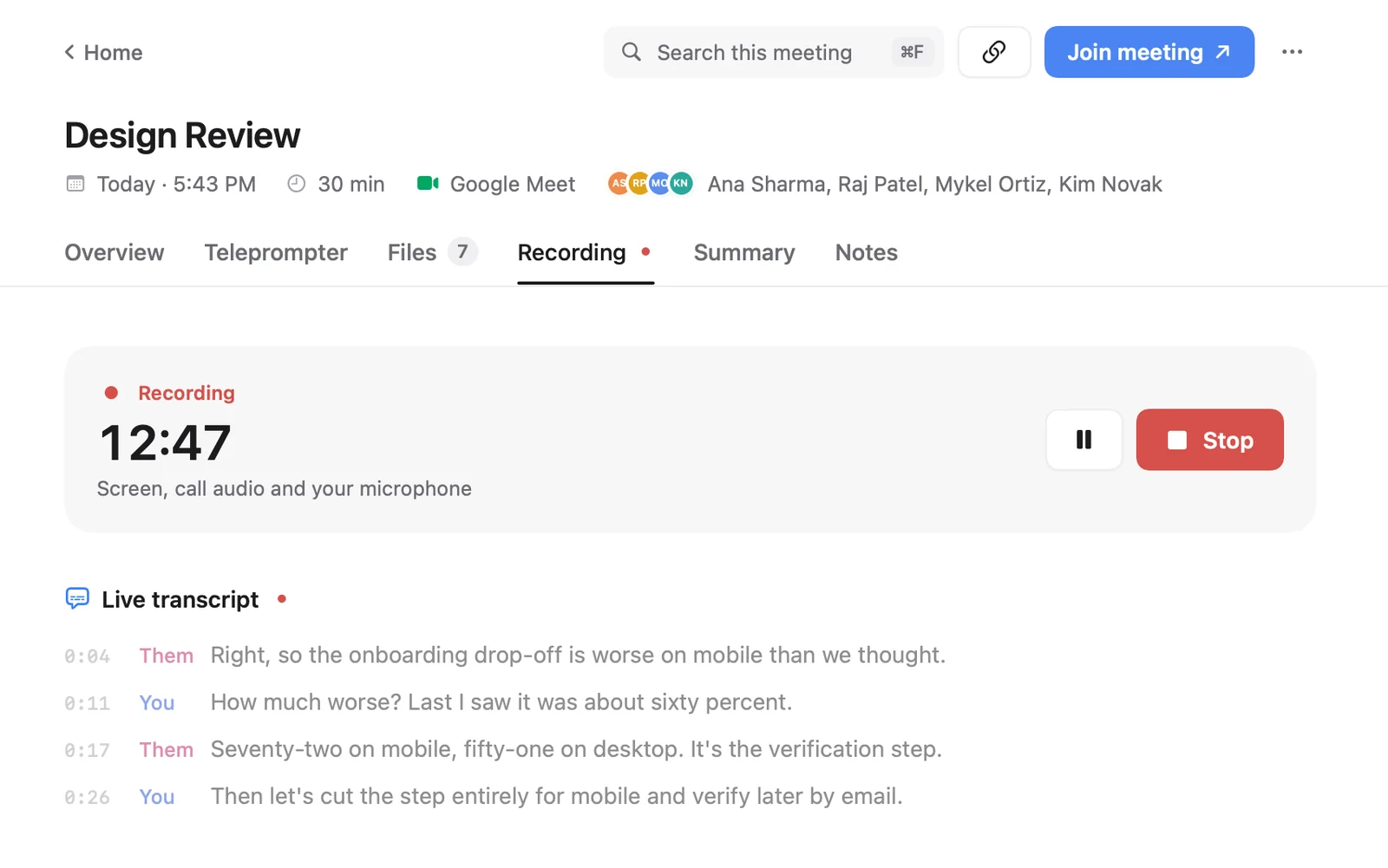
Cued is one bot-free option on a Mac. It records Zoom, Google Meet, Teams, FaceTime, Webex and Slack calls through the Mac itself, with no bot joining, and transcribes and summarises them on the device. Because nothing joins the call, nobody is notified automatically, so Cued expects you to tell people. It starts recording when a call starts; if someone says no, press ⌥R to stop. The recording stays in Cued's folder on your Mac and is never uploaded.
Cued needs a Mac with Apple silicon and macOS 15 or later, and is designed for MacBooks with a notch. Cued is a one-time payment, not a subscription: $9 for the first 50 founding members, then $29 with a year of updates.
Questions
Does Zoom notify others when you screen record a meeting?
Zoom's recording consent disclaimer notifies participants when Zoom's own recording starts. Its help pages describe no alert when you record the screen with a different app, so you need to tell people yourself.
Does Google Meet alert someone if you screen record?
Meet notifies participants when its built-in recording starts or stops. If you record with another app, Meet is not involved and shows no notice.
Will people know if I use an AI note taker?
If it joins as a bot, yes: it shows up as a participant, and Teams may hold it in the lobby. If it records on your own computer, like Cued, nothing appears in the call.
Do I still need consent if nobody is notified?
Often, yes. In about 11 US states and in many other countries, everyone has to agree to be recorded. The notification is not what makes recording legal; consent is.
Does Cued tell people it is recording?
No. Cued records through your Mac, so the call app never knows. Tell people at the start and stop with ⌥R if anyone objects.
How much does Cued cost?
Cued is a one-time payment, not a subscription: $9 for the first 50 founding members, then $29 with a year of updates.
Try Cued on your next call. Your script in the notch, your call recorded and summarised on your Mac.
Download for MacSources
- Customizing the recording consent disclaimer, Zoom Support
- Enabling or disabling computer recording (host permission to record), Zoom Support
- Record a video meeting, Google Meet Help
- Record a meeting in Microsoft Teams, Microsoft Support
- Manage external bots and their access to meetings, Microsoft Learn
- Introduction to the Reporters Recording Guide, Reporters Committee for Freedom of the Press
- Does Zoom notify others when you screen record a meeting? Quora
- If I record a zoom meeting while not being a host, will it appear to others? r/Zoom