 Cued
Cued
Is it safe to use an AI notetaker on confidential client calls?
By Harshit Maurya, maker of Cued · Updated 16 October 2026
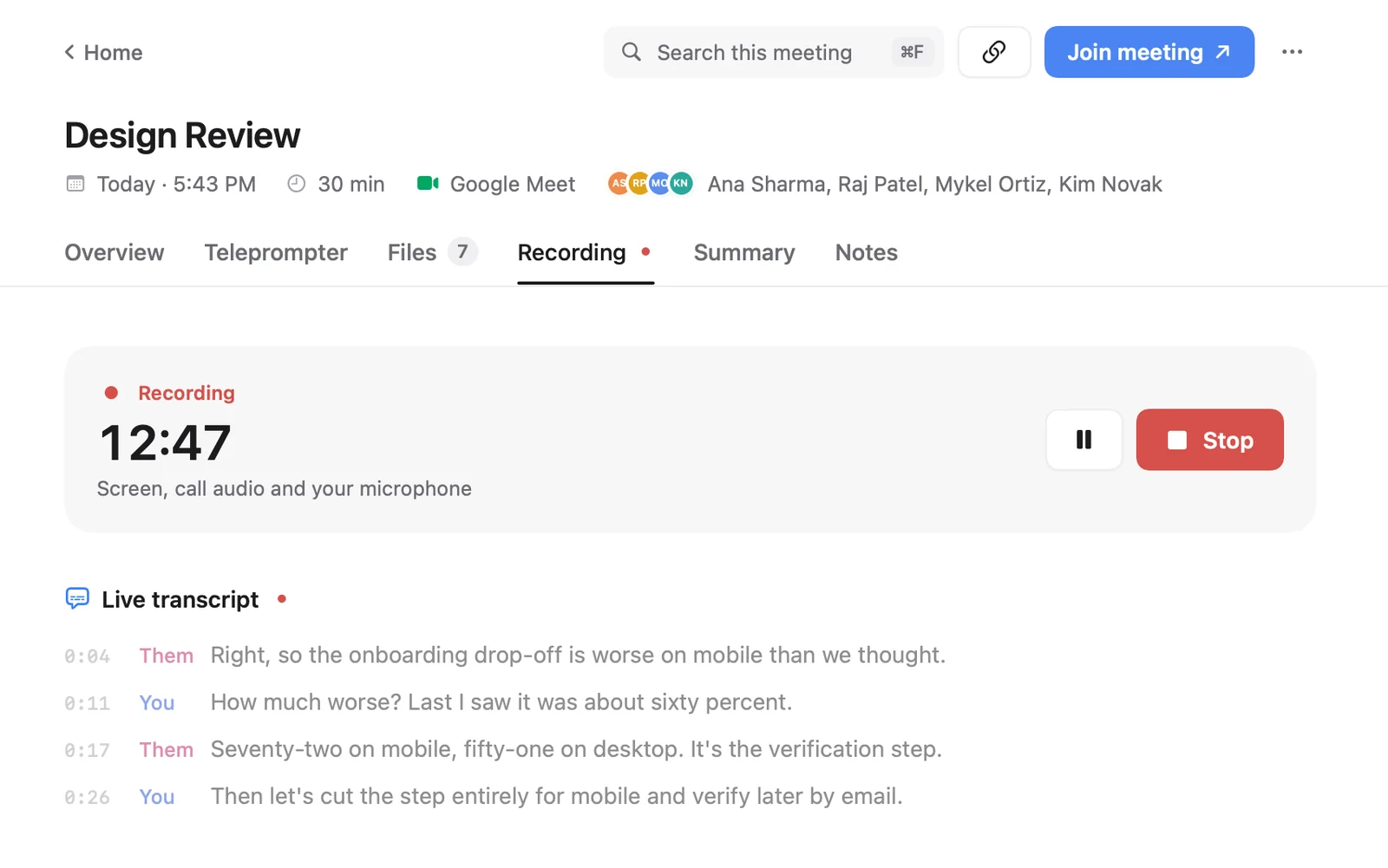
It can be, if you get the client's consent and the tool keeps their words where your agreements allow. Many AI notetakers join the call as a bot and send the recording to their servers, which can conflict with an NDA or a client's data rules, and some clients go quiet when a bot appears. A safer setup records through your own computer, with no bot, and transcribes on the device. Cued works that way on a Mac: nothing is uploaded. You still have to tell the client and ask first. This isn't legal advice.
Why clients object to notetaker bots
- The bot appears as a participant, often before you have explained it, and changes how people speak. On r/MicrosoftTeams a consultant described a client stopping to ask who the bot was and why it was recording, and feeling close to losing the deal.
- IT admins on r/msp and r/sysadmin describe notetakers that, after one meeting, email every attendee and start joining their meetings too, which they compare to a virus.
- Hosts on the Zoom community forum ask how to block notetaker bots because their clients are upset by them.
- Some bots post messages in the meeting chat or join meetings the user did not expect.
- Recordings and transcripts usually go to the vendor's cloud, which the client never agreed to.
Do you need the client's consent to record?
Often yes, and asking is always the safe choice. In the US, federal law and most states follow one-party consent: you may record a conversation you are part of. About 11 states require everyone's consent: California, Delaware, Florida, Illinois, Maryland, Massachusetts, Michigan, Montana, New Hampshire, Pennsylvania and Washington. When a call crosses state lines, the Reporters Committee for Freedom of the Press advises assuming the stricter law applies, and calls getting each person's spoken consent on the recording the best practice.
In the UK, data protection law gives people the right to be informed: the ICO says you must tell people what you do with their personal data, why, how long you keep it and who receives it, at the time you collect it. On a call, the simple way to do that is to say it at the start. Other countries have their own rules. This isn't legal advice; if your work is regulated, ask a lawyer or your professional body.
What lawyers have been told: NYC Bar Formal Opinion 2025-6
In December 2025 the New York City Bar Association's ethics committee published an opinion on lawyers using AI to record, transcribe and summarise client calls. New York is a one-party consent state, yet the opinion says clients must be told and their consent obtained whenever an AI system records their calls, because knowing about a recording changes how people speak. It was written for lawyers, but the reasoning fits anyone who holds client secrets: consultants, accountants, advisers, designers under NDA.
- Tell the client and get consent for each call, unless the platform itself clearly announces the recording; engagement letters can cover it too.
- Know where the data is stored, for how long, whether the provider trains on it, and what its terms and security really cover.
- Know whether you can delete the data and how to turn off default recording.
- Check every transcript and summary for accuracy soon after the call, because people may rely on them for years.
The Otter lawsuit, briefly
In August 2025 a proposed class action accused Otter.ai of recording meetings through its Otter Notetaker without the consent of everyone in them, and of using the conversations to train its AI, as NPR reported. These are allegations. On 13 August 2026 a federal court in California granted Otter's motion to dismiss only in part, so some claims go forward; that is not a finding of wrongdoing. The case shows why it matters where a notetaker sends your clients' words, and who agreed to it.
What to ask any AI notetaker vendor
Before you use a notetaker on client calls, get a clear answer to each of these from the vendor's privacy policy, terms or help pages. If you can't find one, treat the answer as no.
- Does a bot join the call, and what does it say in the chat or by email to other attendees?
- Can it join meetings automatically, and how do I turn that off?
- Where is the audio transcribed: on my device, the vendor's servers, or another cloud provider?
- Is the audio kept after transcription, and for how long?
- Where are transcripts and summaries stored, and in which country?
- Are my recordings or transcripts used to train AI models, and is that on by default?
- Who at the vendor can access my data, and under what conditions?
- Can I delete a recording completely, including backups, and how fast?
- Does it tell other participants that they are being recorded, or is that my job?
- What happens to my data if I cancel?
| Question | Why it matters | Cued |
|---|---|---|
| Does a bot join the call? | Clients see it and may object | No bot |
| Where is the audio transcribed? | Cloud transcription sends client words to a third party | On your Mac |
| Where are recordings stored? | Your NDA may limit where client data lives | In Cued's folder on your Mac; nothing is uploaded |
| Is it used to train models? | Some services reserve the right | Nothing leaves your Mac |
| Can I delete a recording completely? | Clients may ask you to | Yes: the video only, or the recording and all its data |
| Does it tell the other people? | Consent rules may require it | No. Since no bot joins, nobody is notified automatically: telling people is your job |
How to record a client call respectfully
- Say it at the start. "I record our calls so I can listen instead of typing. It stays on my laptop. Is that OK?" Their yes is then on the recording.
- Offer to stop. If they say no, stop. In Cued, ⌥R stops the recording.
- Send the recap. Share the decisions and action items, not the raw recording, unless they ask for it. Check it for mistakes first: transcripts are good, not perfect.
- Delete when you are done. Delete the video and keep the summary, or delete everything for that meeting.
Whatever tool you use, tell people you are recording and ask for their consent. Many places require everyone's permission by law. This isn't legal advice. Cued needs a Mac with Apple silicon and macOS 15 or later, and is designed for MacBooks with a notch.
Questions
Do I need my client's consent to use an AI notetaker?
Often, and it is always the safe choice. About 11 US states require everyone's consent to record, and the NYC Bar told lawyers to get client consent even in one-party New York. This isn't legal advice.
Do AI notetakers break NDAs?
It depends on the NDA and the tool. If the tool uploads the call to a third party, check whether your agreement allows that. An on-device tool like Cued keeps the call on your Mac.
What should I ask an AI notetaker vendor?
Whether a bot joins, where audio is transcribed and stored, whether it is kept, whether it trains AI on your data, who can access it, and whether you can delete it completely. The full checklist is on this page.
Does Cued join my meetings as a bot?
No. It records through your Mac, so nothing appears in the participant list, and nobody is notified automatically. Tell people yourself.
Can my client ask me to delete the recording?
Yes, and in Cued you can delete just the video or the recording with its transcript, summary and files.
How much does Cued cost?
Cued is a one-time purchase with no subscription: $9 for the first 50 founding members, then $29 with a year of updates. Download it from getcued.pro and pay inside the app after a quick setup.
Try Cued on your next call. Your script in the notch, your call recorded and summarised on your Mac.
Download for MacSources
- Reporters' Recording Guide, Reporters Committee for Freedom of the Press
- Right to be informed, UK Information Commissioner's Office
- Formal Opinion 2025-6: AI to record, transcribe and summarise client conversations, New York City Bar Association, Dec 2025
- Class-action lawsuit against Otter.ai (allegations), NPR, Aug 2025
- Order granting motion to dismiss in part, In re Otter.ai Privacy Litigation, N.D. Cal., 13 Aug 2026
- Stop Otter Notetaker from automatically joining your meetings, Otter help
- Had an AI note-taking bot join a client call today, r/MicrosoftTeams, Oct 2025
- AI meeting notetakers are the bane of my existence, r/msp, Apr 2025
- Teams meeting AI note taker virus, r/sysadmin, Oct 2025
- Looking for an AI notetaker that doesn't need to join the meeting, r/ProductivityApps, Jul 2025
- Disable AI notetakers joining meetings, Zoom Community
- Awkward when an AI notetaker joins as a participant, Product Hunt discussion
- AI notetakers and client trust, Lilach Bullock
- Prevent AI Notetaker introducing itself in chat, ClickUp feedback