 Cued
Cued
The best private meeting notes apps for confidential calls
By Harshit Maurya, maker of Cued · Updated 14 October 2026
If your calls must not leave your computer, pick an app that transcribes and summarises locally: MacWhisper, Meetily or Anarlog with local AI models, or Cued on a Mac. Granola and Krisp have no bot, but store notes or recordings in their cloud. Fellow is a cloud option for teams that need stated SOC 2, GDPR and HIPAA compliance. Cued keeps recordings, transcripts and summaries on your Mac with no Cued server, but it has no compliance certification and needs macOS 15 on Apple silicon.
What private means
Consultants, lawyers, agencies and therapists often take calls under an NDA, or for clients who don't want a notetaker bot in the room. Some company policies forbid uploading calls at all. No bot is not the same as private: an app can record without a bot and still send your audio to a cloud service. Ask these questions of any app, including Cued:
- Does a bot join the call, or does it record through your computer?
- Where is the audio transcribed: on your computer, or on a server?
- Where are the summaries made, and by which AI company?
- What is kept (audio, video, transcript, summary), and where?
- Can the vendor or its AI providers train on your calls?
- Can you delete a recording completely?
- Have you told everyone on the call that it is being recorded, as your local law requires?
Side by side
| App | Price | Bot joins the call | Where audio is transcribed | Where summaries are made | What is stored, and where | Platforms |
|---|---|---|---|---|---|---|
| Cued | $9 founding, then $29, one-time | No | On your Mac | On your Mac | Video, audio, transcript and summary in a folder on your Mac; no Cued server | macOS 15+, Apple silicon |
| MacWhisper Pro | €64 one-time; free version | No | On your Mac | Optional, through your own AI key (OpenAI, Anthropic, Google, Groq) or a paid cloud add-on | Files and transcripts on your Mac | macOS |
| Meetily | Free, open source; Pro $10/user/month (yearly) | No | On your computer | Local model, or your own AI key (then transcript text is sent) | On your computer | Mac, Windows; Linux from source |
| Anarlog (was Hyprnote, then Char) | Free, open source (MIT) | No | On your computer, or your own AI keys | Local models (Ollama, LM Studio), or your own keys | Local database with Markdown export | macOS; Windows and Linux in beta |
| Granola | Free plan; paid Business and Enterprise | No | Cloud transcription providers | Cloud AI providers such as OpenAI and Anthropic | Notes and transcripts in Granola's US cloud; no audio kept | Mac, Windows, mobile |
| Krisp | Free plan; paid plans | No by default; optional bot | Krisp says on-device | Not stated in the pages we checked | Transcripts and recordings in Krisp Cloud | Mac, Windows, mobile |
| Fellow | Free; Business $15/user/month, Enterprise $25 (yearly) | With or without a bot | Cloud | Cloud | Fellow's cloud, with retention controls including zero-day deletion | Works with Zoom, Teams, Meet |
Which one should you pick?
- If nothing may leave your computer and you want it free: Meetily or Anarlog with a local AI model.
- If you mainly need accurate transcripts of calls and files on a Mac: MacWhisper. Its AI summaries use a cloud provider you choose.
- If you want the video of the call, summaries and search, all on your Mac: Cued.
- If your company needs a vendor that states SOC 2, GDPR and HIPAA compliance, with admin controls: Fellow. It is a cloud service.
- If you only need to avoid a bot and the cloud is acceptable: Granola. It keeps no audio.
- If you use Windows or Linux: Meetily or Anarlog. Cued is Mac only.
Where Cued fits
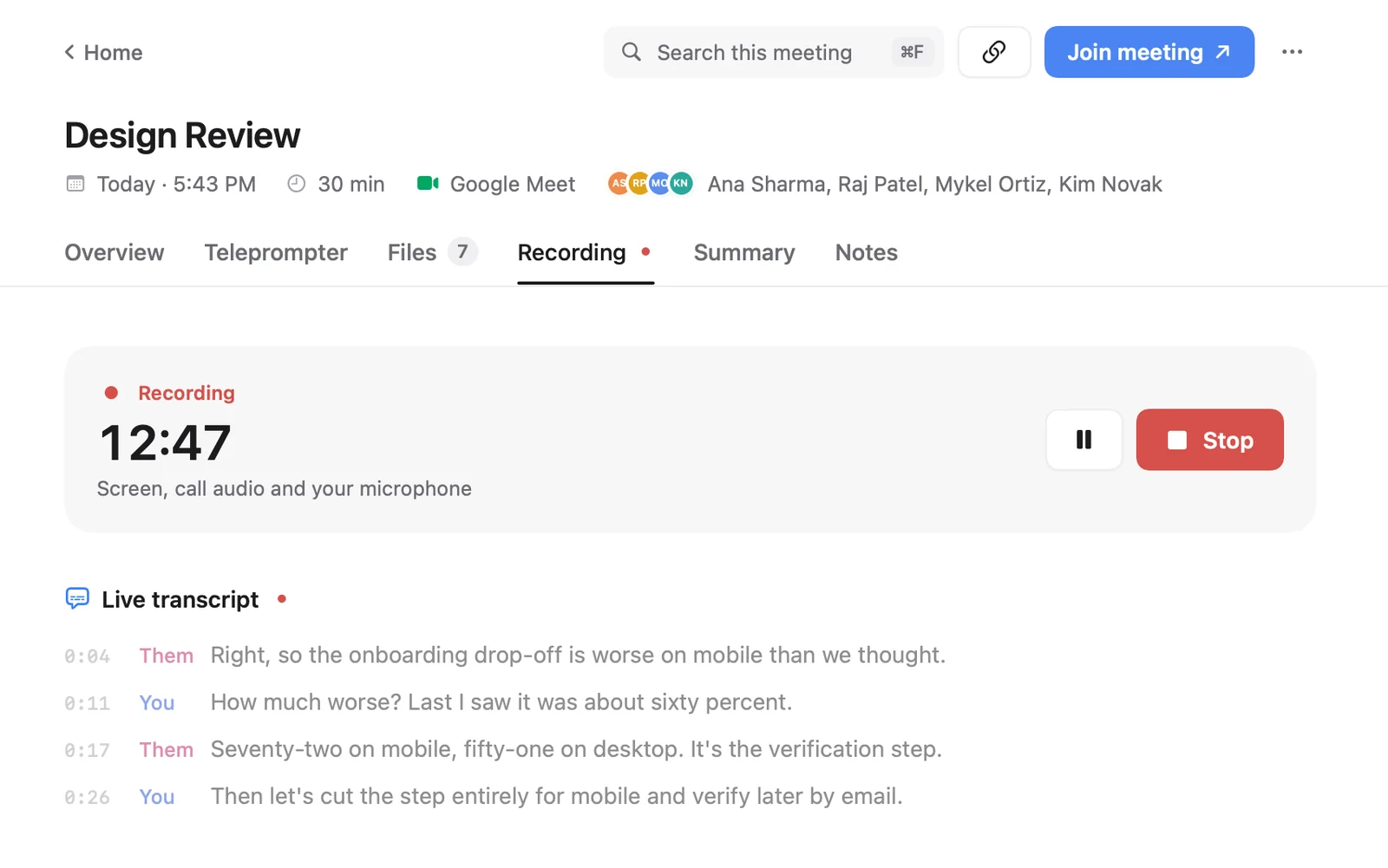
Cued records the screen and both sides of the audio of Google Meet, Zoom, Teams, FaceTime, Webex and Slack calls through your Mac, with no bot. Recording starts when a call starts, or with ⌥R. Transcription and summaries run on the Mac with on-device models. Nothing is uploaded, there is no Cued server, and recordings live in a folder on your Mac. After the call you get a summary, action items with owners, decisions and a draft follow-up email that you send yourself. You can delete only the video, or the recording with its transcript, summary and files, which go to the Mac's Bin. Cued has no compliance certification, no team workspace, no CRM sync, no web app and no free plan, and it needs macOS 15 on Apple silicon.
Questions
Which meeting notes apps keep my audio on my computer?
MacWhisper, Meetily and Anarlog transcribe locally, and Cued records, transcribes and summarises on the Mac. Krisp says it transcribes on the device, but stores transcripts and recordings in Krisp Cloud.
Is an app without a bot automatically private?
No. No bot only means nothing joins the call. Granola, for example, has no bot but sends audio to cloud transcription providers and makes summaries with cloud AI providers.
Is Cued HIPAA or GDPR compliant?
Cued has no compliance certification. It keeps calls on your Mac with no Cued server, but whether that meets your obligations is for you or your adviser to decide. Fellow states it is SOC 2, GDPR and HIPAA compliant; Granola says its practices meet SOC 2 Type 2 standards.
How much does Cued cost?
Cued is a one-time purchase: $9 for the first 50 founding members, then $29 with a year of updates. Download it from getcued.pro and pay inside the app after a quick setup.
Try Cued on your next call. Your script in the notch, your call recorded and summarised on your Mac.
Download for Mac